How to Check a Web Developer Before Paying: 7 Steps
Before you pay a web developer, check their work on your phone, test enquiry buttons, confirm domain ownership and get the price in writing. Includes a message to send.
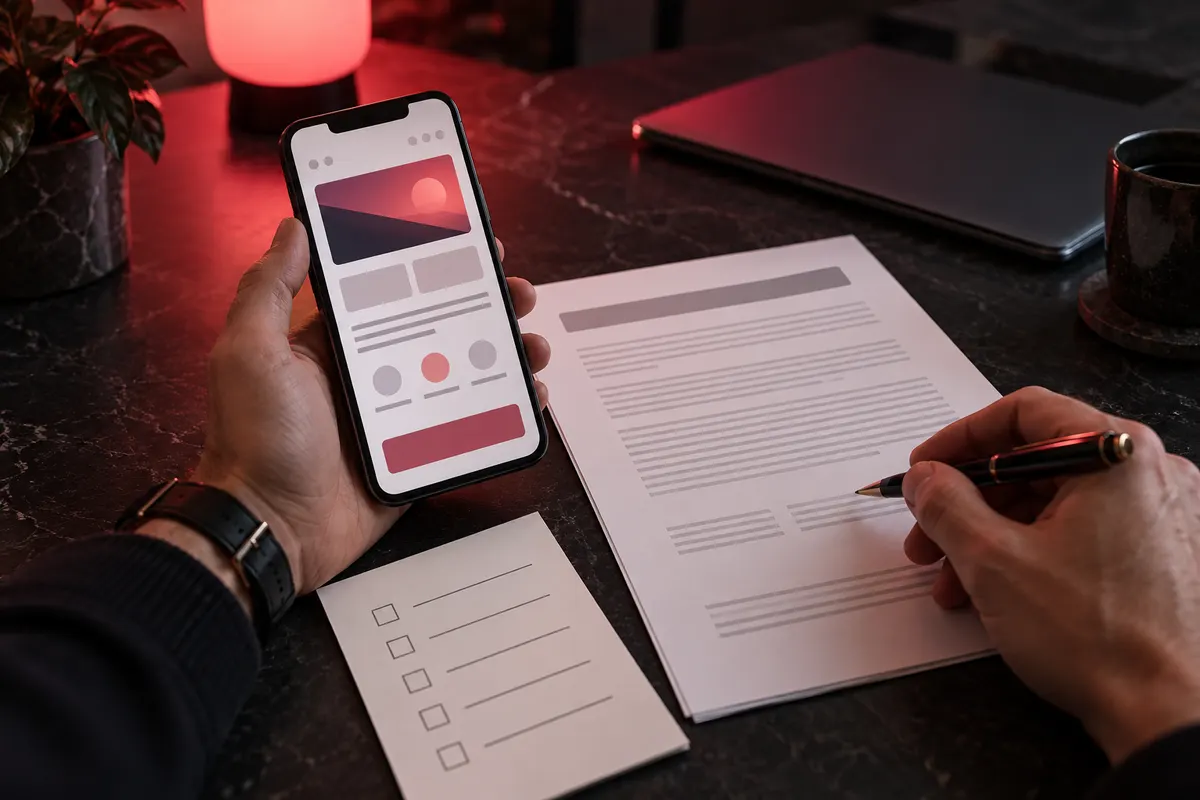
A developer’s portfolio will always look good on their own website. It is a showcase. What matters is what you cannot see there: how their sites work for clients, what your agreement actually covers and who will own your site after launch.
Here are seven checks you can do yourself, without technical knowledge. Together, they take about 15 minutes. At the end, there is a message you can copy and send to each developer you are considering.
1. Open 2-3 of their sites on your phone
Ask for links to live websites. Screenshots will not tell you how a site works. Most of your customers will visit from a phone, so check it on yours.
Look for:
- speed: does the site open within 2-3 seconds on mobile data?
- text: does everything stay in place without making you zoom in?
- the first screen: can you tell what the business does and where to tap next?
For a closer look, enter the site’s address in PageSpeed Insights and check its mobile score. A yellow or red score is not a verdict, but it is a reason to ask: “Why is it like this, and what would you do about it?”
Red flag: there are no live links, or every example comes with “the site has closed” or “the client would not let me show it.”
2. Press the main button on their sites
This is the simplest check, yet hardly anyone does it. Find a button such as “Book,” “Order” or “Get a consultation” on a client’s site and press it.
I recently reviewed a clinic’s website. Its “Book” button led to a contact page, where visitors had to find the phone number themselves. The site looked good, but some bookings were lost at that step. Its home page also contained 1.4 MB of code alone, when a few hundred kilobytes would have been enough for a site like that. You notice the difference on a phone.
If buttons on a developer’s past projects lead nowhere or forms fail to send, your site could have the same problem.
3. Get the price in writing and ask what is NOT included
“From $300” tells you little until you know what that money covers. Ask for a written answer with:
- the exact price for your project;
- what is included, such as the number of pages, an admin area, an enquiry form and basic SEO;
- what is excluded, such as copy, photos, the domain, hosting and translation.
The exclusions matter most. Extra charges often come from work that was never agreed at the start.
Red flag: “We’ll do everything and work out the price later.”
4. Ask what happens if they miss the deadline
A deadline needs a clear consequence. A useful answer sounds like this: “The deadline is in the contract, and you get a discount for each day of delay caused by me.” In my contract, that discount is 5% per day, up to 25%.
Ask when the clock starts, too. It is reasonable for it to start once you have provided the text and photos. If a developer promises a site in two days without seeing your materials, those two days may turn into a week.
5. Find out how many revisions are included
Revisions are normal. Unclear terms are the problem. Ask three things: how many rounds are included, what extra revisions cost and where a revision becomes new work.
A clear answer is: “Three rounds are included. After that, it is $20 per hour, and I’ll tell you in advance how long a change will take.”
6. Check who will own the domain and the accounts
This can be the most expensive mistake. Sometimes a developer disappears after registering the domain in their own name. The business then risks losing the web address it has spent years promoting through ads and Google.
Agree before work starts that:
- the domain will be registered in your name or transferred to you;
- you will receive access to the hosting, admin area and email after payment;
- these terms will be written into the contract.
You can look up a domain through ICANN Lookup. Enter the web address and check the registration details. Owner information is often hidden. If it is, ask the developer to show you the domain management account.
7. Do not pay 100% upfront
The safest approach for you is to pay in stages, after seeing the result of each stage. For example, the developer first shows you a design of how the site will look, then you make the first payment. You pay again when the working site is available at a test address, and pay the balance after accepting the finished site.
That way, you do not pay for work you have not seen. A 50% deposit and 50% after acceptance can also work if the price, stages and deadline are written into the contract.
Red flag: “Full payment upfront. That’s how all my clients do it.”
Bonus: what happens after launch
Ask how long the developer will fix their own mistakes for free after launch. This is usually 2-4 weeks. Ask what support will cost if you want changes later. If there is no answer, you may need to find another developer when the first problem appears.
A message you can send to a developer
Copy this and send it to each developer you are speaking with. Their answers will help you decide whom to work with.
Hello! Before we agree to work together, I’d like to clarify a few things:
- Could you send me 2-3 live links to websites you have built?
- What is the exact price for my project, and what is NOT included?
- What is the deadline, and what happens if you miss it?
- How many rounds of revisions are included, and what do additional changes cost?
- Whose name will the domain be registered in, and when will I receive all account access?
- How are payments divided?
- For how many days after launch will you fix errors for free?
How I answer these questions
| Question | My answer |
|---|---|
| Past work | Live links are in my work, with client projects shown separately from demo concepts |
| Price | Confirmed in writing before work starts; you can get an estimate with the calculator |
| Deadline | Written into the contract, with a 5% discount for each day of delay caused by me, up to 25% |
| Revisions | Three rounds are included; after that, $20 per hour |
| Domain and access | Registered in your name; I hand over all access after payment |
| Payment | In stages: first the design, then the first payment, with each later payment following a completed stage |
| After launch | 30 days of free error fixes |
You can see how this works in the RAYHON meat shop project: 12 days of work, launched on October 7, 2026. I work with businesses remotely, worldwide.
Want me to look at your current site or the work of a developer you are considering? Send a link for a free website review. I’ll reply within 48 hours.
Sources
- PageSpeed Insights: Google’s free website speed check.
- ICANN Lookup: domain registration lookup.
- Terms of work in the table: prices and frequently asked questions.
Need a website for your business?
Estimate the cost in 30 seconds or message me, and I will reply with a price and a timeline.