Website for an Instagram Shop: When and Where to Start
How to tell in a week whether your Instagram shop needs a website, and where to start: from a $300 landing page to a full store. A self-check and a prep list.
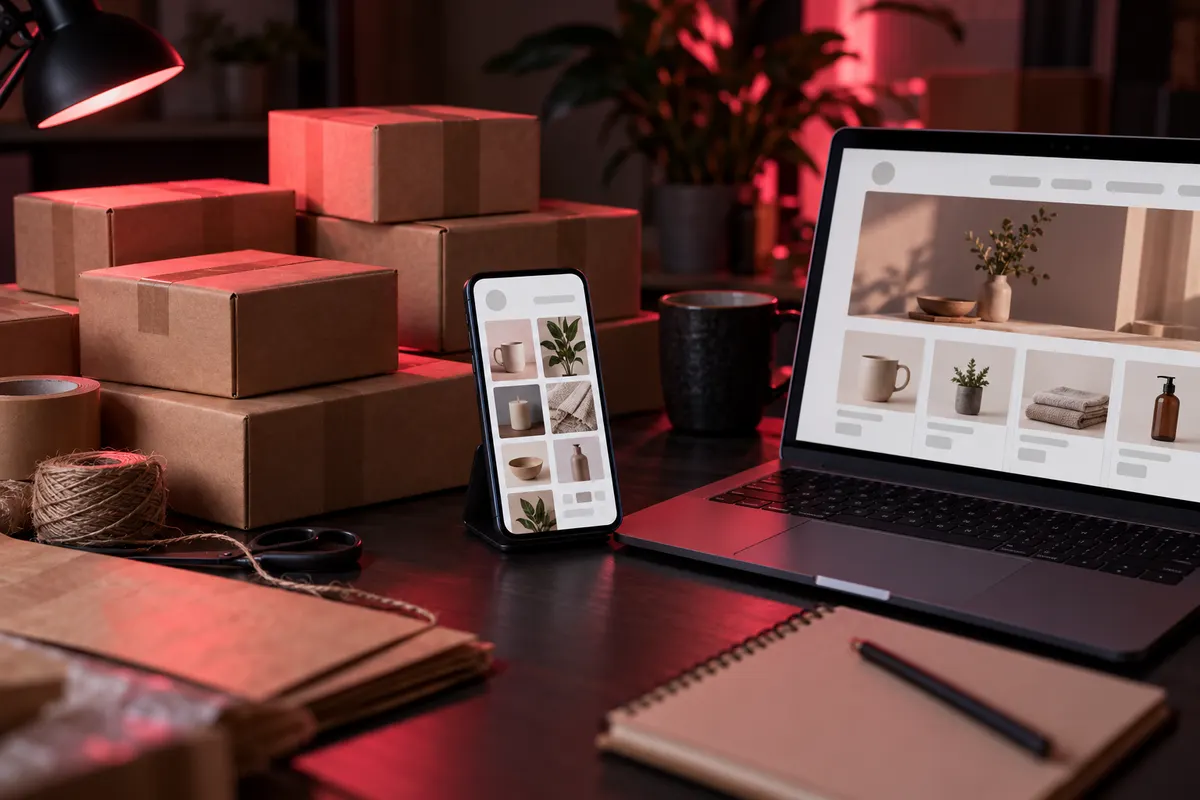
An Instagram shop doesn’t need a website from day one. It needs one when you answer the same “price?” and “in stock?” in your DMs every day, mix up orders across chats, or want people to find you on Google. You can start with a simple landing page with prices and an order button: with me it costs from $300 and takes 1-2 days (I give the final price after I’ve looked at your products).
Below is a one-week self-check, three steps from simple to a full online store with prices, and a list of what to prepare before you talk to a developer.
Where this article came from
The first enquiry from a paid ad for one of my reels came with exactly this question. A person who sells jewellery through Instagram wrote briefly: “How much does it cost to build a website?”. By the time the enquiry arrived, the ad had spent about $2.
You can’t answer that question with a single number. A website for an Instagram shop can be one page with a price list, or a full online store with card payments. The price difference between them is several times over. So first you need to understand what work the website should take off your hands.
Self-check: 7 days and a notepad
The articles on the first page of Google on this topic give you an “Instagram vs website” table and conclude that you need both. I think it’s more useful to count what’s actually happening in your shop. For a week, keep notes on your phone:
| What to count | How | Warning sign |
|---|---|---|
| The same questions in DMs | Make a tick for every “price?”, “shipping?”, “size?” | More than 5 a day |
| Time per order | From the first message to shipping | More than 15 minutes of chatting |
| Mix-ups | Wrong size, lost address, an item sold twice | Even one case |
| “Do you have a website?” | A separate tick | Even one |
| Google search | Search “[your product] [your city]” | You’re not on the first page |
What to do with the result:
- No warning signs: you don’t need a website yet. Better to put your time into content and reels.
- 1-2 signs: a simple page with prices, shipping and a “Message us” button is enough. It will take care of some of the repeat questions.
- 3 or more: you need a catalogue with a cart, where people place orders themselves.
The thresholds in the table are my working rule, with no scientific basis. Adjust them to your shop: if you sell one item for $300, then 15 minutes of chatting is fine.
When Instagram really is enough
Websites are my job, but there are cases when I don’t recommend one.
The first: every item is one of a kind and sells out within an hour of posting. A catalogue that needs updating every day quickly goes out of date, and people will see things on the website that are already gone.
The second: everything is made to order and the conversation with the customer is part of the product. A cake with custom decoration or engraved jewellery still needs a chat. A page with examples of your work and “from” prices is about all that helps here.
The third: you get a few orders a week and you’re happy answering them yourself. At that volume a $700 website may take a long time to pay for itself.
Instagram is strong where people see you for the first time: reels, stories, reviews in highlights. A website is strong after that, when people already want to buy and are looking for the price, the size and the delivery options. So the more useful question is which part of the buyer’s journey you want to hand over to the website.
Three steps instead of one big store
Most Instagram shops don’t need a full online store with customer accounts straight away. I suggest moving step by step and going to the next one when the previous one can no longer keep up.
| Step | What you get | Who it suits | Price and timeline |
|---|---|---|---|
| Landing page with prices | One page: products with photos and prices, shipping, payment, DM and Telegram buttons, enquiries sent to Telegram and a Google Sheet | Up to a few dozen products, 1-2 signs from the self-check | from $300, 1-2 days |
| Landing page with a cart | Catalogue with filters, cart, online payment, every order sent to you in Telegram | Products with sizes and variants, 3+ signs | from $700, 5-7 days |
| Online store | All of the above + customer accounts, order statuses | Hundreds of products, repeat customers, several people handling orders | from $1,300, 7-14 days |
I count the timeline from the moment you hand over texts, photos and logins. For an Instagram shop that’s usually quick: you already have the photos on your profile.
You can estimate the price of each step for your products in the calculator.
What an Instagram shop website needs
The easiest way to plan the structure: open your DMs and write down the 10 questions you get asked most often. Each question becomes a section on the website.
- A price on every product. No “DM for price”. People who don’t want to message first will simply leave.
- Availability and variants. For clothing, a size chart; for jewellery, ring size, chain length and material.
- Shipping and payment in one block: delivery options, local pickup, pay on delivery or prepayment, how many days to wait.
- Exchanges and returns. Two or three sentences, so people aren’t afraid to order.
- A “Message us on Instagram” button. Some customers will still want to talk, and that’s fine.
- Reviews. Screenshots from your highlights work, as long as you can see who wrote them.
Decide separately where orders should go. In the RAYHON store, which I launched in October, every order goes to the shop’s WhatsApp, a Google Sheet and email at the same time. It has 46 products sold by weight, and the owner changes prices in the admin panel himself. It’s not an Instagram shop, but the task was the same: orders should arrive without calls and long chats.
How to connect the website to Instagram without losing buyers
A website does nothing if people from Instagram never get to it. Here’s what I set up together with the website:
- The link in your bio leads to the catalogue or new arrivals. A home page with “About us” loses here: people came for a product.
- Stories link to a specific product. You showed earrings, link to those earrings.
- Saved replies in DMs with a link. You answer “price?” with one tap: the price and a link to the product page with sizes and shipping.
- A tag in every link, for example
?src=stories_new. Then you can see which story or post brought the order. I do this myself with every post. - Meta Pixel on the website, if you plan to run ads. Without it, Ads Manager can’t see who placed an order and can’t optimise for it. I set up the Pixel, Google Analytics and order events for $80.
About Instagram Shopping (product tags in posts): according to Ecwid’s help centre, it’s only available in certain countries, so check the list for yours. Either way, a tagged product sends the buyer to your website, and the website’s domain has to be verified with Meta. In other words, you can’t set up product tags without a website.
What to prepare before talking to a developer
If the self-check says it’s time, gather this in advance. The conversation will take 15 minutes instead of a week of back and forth:
- A link to the shop’s Instagram.
- How many products you have now and how many you add per month.
- A list of products with prices (a Google Sheet or plain text).
- What variants there are: sizes, colours, materials.
- Shipping and payment: how you work now.
- Where orders should go: Telegram, WhatsApp, Viber, email.
- 2-3 websites you like (not necessarily in your niche).
- The budget you want to stay within.
People often skip point 8, and they shouldn’t. Knowing the budget, I can tell you right away which step fits it, and you won’t have to rethink everything after seeing the quote.
FAQ
Won’t I lose sales in DMs once there’s a website?
Your DMs aren’t going anywhere. The website takes over the repeat questions about price and shipping, while conversations about custom orders still happen in chat. I put a “Message us on Instagram” button on every Instagram shop website.
How much does a website for an Instagram shop cost?
With me it’s from $300 for a landing page with prices and enquiries sent to Telegram, from $700 for a landing page with a cart and payments, and from $1,300 for an online store. I give the exact price after I’ve looked at your profile and how many products you have.
Who will add new products?
You. Together with the website I hand over a short video showing how to add a product and change a price or a photo. The website and domain are registered in your name, and the logins are yours too.
Do I need online payment from day one?
Not necessarily. You can start with pay on delivery or a bank transfer upfront, the way you do it on Instagram now. Card payment on the website can be added later, when you get more orders.
What happens to my shop if my Instagram account gets blocked?
The website doesn’t depend on it: it keeps working, and people who find you on Google or have the link can still reach it. Without a website, buyers who don’t have your phone number have nowhere to go in that situation.
Where to start today
Start with the self-check: for a week, count the repeat questions and the time per order. If you get three or more warning signs, estimate the cost in the calculator. Or send a link to your profile for a free review: within 48 hours I’ll record a short video on what in your profile already helps you sell and what’s worth moving to a website.
If you already have a website but get few orders from it, go through the 15-point checklist and see what Google knows about your website.
Sources
- Ecwid help centre on tagging products on Instagram: the countries where product tags are available and the domain verification requirement.
- Shopify requirements for the Facebook and Instagram channel: products must be available to buy on your verified domain.
Need a website for your business?
Estimate the cost in 30 seconds or message me, and I will reply with a price and a timeline.